

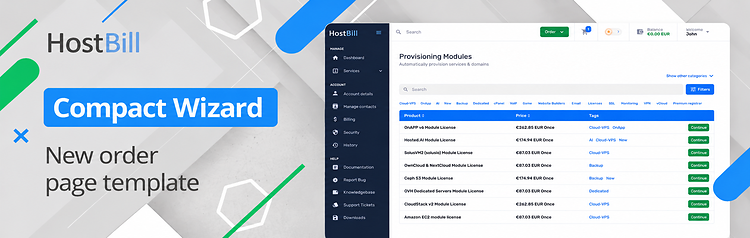
Compact Wizard – new order page for 2019 Theme!
We’re expanding HostBill’s collection of order pages with Compact Wizard – a new, streamlined template designed specifically for businesses with large product catalogs! Additionally, this week’s updates include transaction imports, smarter invoice merging, more flexible product email templates, enhanced API key management & more!
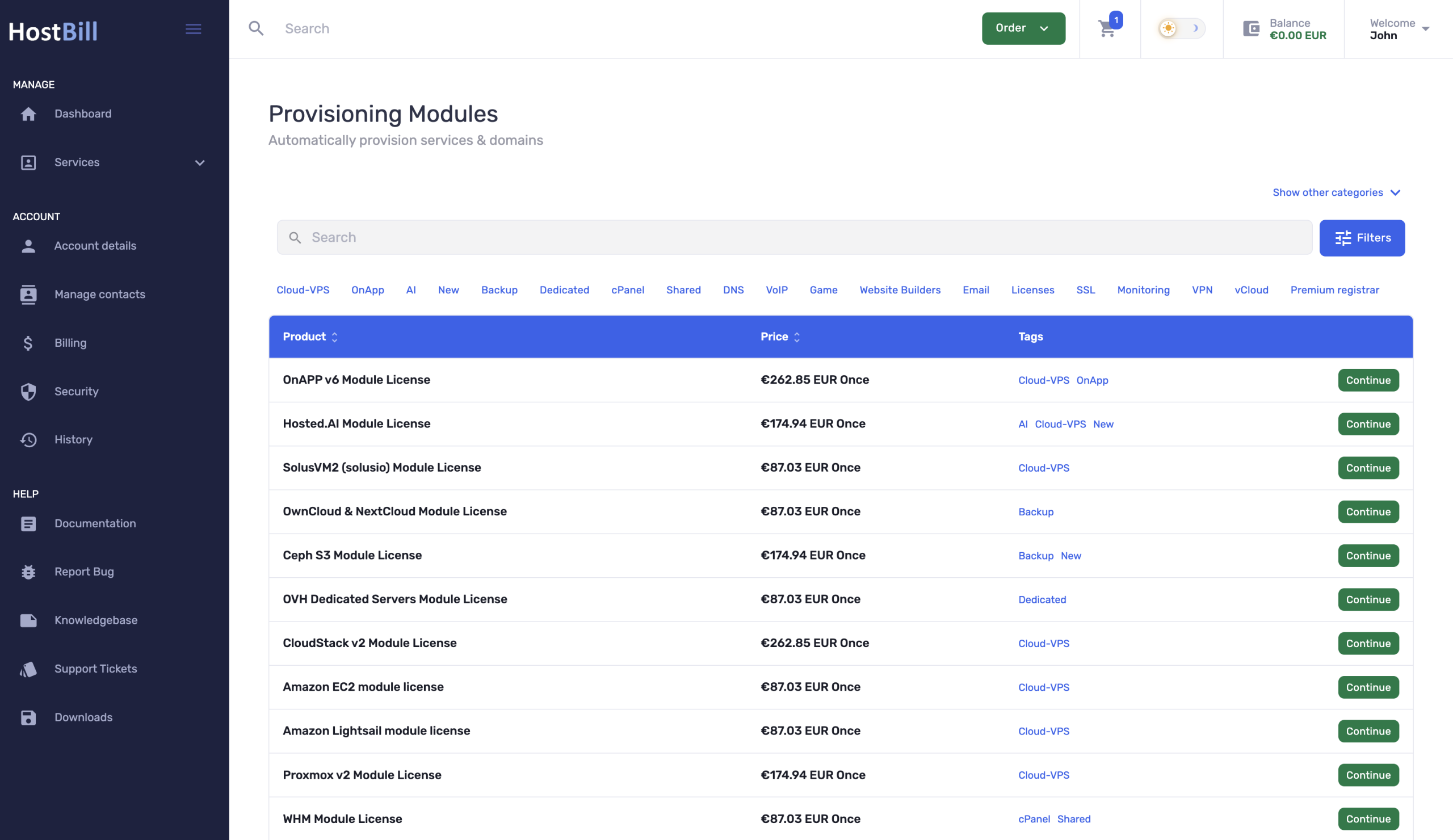
Compact Wizard order page
Compact Wizard is a compact, table-based HostBill order page built specifically for stores with a large number of products. Its streamlined layout makes it easy for customers to browse extensive product catalogs, quickly compare available options and find exactly what they need.
Customers can search, sort and filter products before making their selection, including filtering and searching by product tags. This makes navigating even large and complex product catalogs fast and convenient. You can also configure whether to display other product categories, giving customers an easy way to explore additional offers directly from the order page. For larger catalogs, pagination can be enabled or disabled, allowing you to adjust how products are presented and keep the ordering experience clear and manageable. Compact Wizard focuses on making the initial product discovery and selection as efficient as possible. Once a customer selects a product, all subsequent steps use HostBill’s default order page templates, ensuring a familiar and consistent checkout experience.
Compact Wizard is fully compatible with HostBill Theme 2019, making it an ideal choice for businesses that need a clean, efficient and scalable way to present a large product portfolio.
Release notes
This week’s HostBill release also brings another set of improvements designed to simplify everyday administration.
Managing transaction data just got easier with the new CSV transaction import option available in the Admin Area. Administrators can now import transaction records from CSV files, making it faster and more convenient to bring transaction data into HostBill. This can be particularly useful when migrating data, working with transaction records from external systems or handling larger batches of transactions without entering them manually.
HostBill now offers an additional option for merging invoices. Administrators can choose not to merge services that use different billing types. When enabled, services using pre-paid, post-paid and hybrid billing will not be combined together on the same merged invoice. This gives you more precise control over invoice generation and helps keep services with different billing models properly separated.
We’ve added a new Manual sub-tab under the Messages section in product configuration. It allows administrators to select which email templates should be available for manual sending for a particular product or TLD. Instead of presenting admins with unnecessary templates, you can now define exactly which messages are relevant to each product. With this option manual customer communication is quicker, clearer and less prone to selecting the wrong template.
Admin API key management is becoming more transparent and secure. When creating API keys, administrators can now add a description and define an expiration date. Descriptions make it easier to identify what individual keys are used for, especially when multiple integrations or external applications access HostBill. Expiration dates provide additional control over API access by allowing keys to be issued for a defined period rather than remaining valid indefinitely.
The SSL Automation Helper now comes with an option to configure notifications for administrators. This gives your team better visibility into SSL-related automation and helps ensure that relevant events requiring administrative attention are not overlooked.
And finally, the Domain management is faster for customers using Theme 2019. The domains list now supports bulk cancellation, allowing users to select and cancel multiple domains at once instead of processing each domain individually.