

New client area theme - '2019'
Presenting ‘2019’ – a fresh new design for HostBill client panel!
Sneak peeks at upcoming HostBill features and designs before they are released.
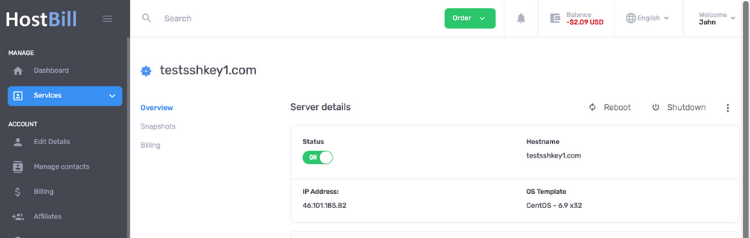
Presenting ‘2019’ – a fresh new design for HostBill client panel!
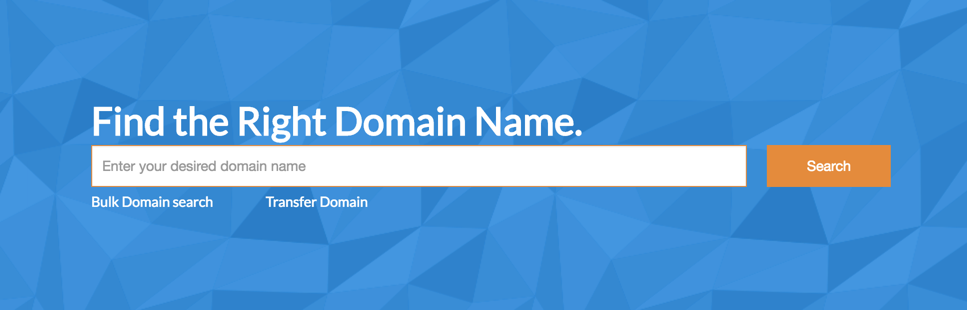
We’re thrilled to announce new standard Domain Orderpage for HostBill (included for free in all versions).
HostBill team adds many features and improvements with every minor release (every week). Due to the fact HostBill is 100% multi-lingual it was sometimes hard to keep up with translations. It’s about to be changed with a new feature – language filters. With just one mouse click you can find all untranslated lines in your language, and their English versions – so within minutes after upgrade you can be sure that new features for your clients will be displayed in their native language.
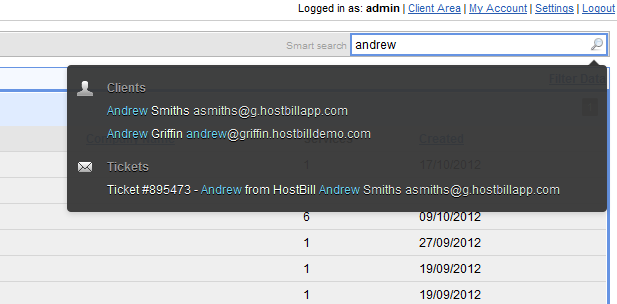
New HostBill release has just been a couple of hours ago, as usual we’re bringing new improvements to your billing platform. To make HostBill everyday usage easier we’ve re-designed Smart Search and narrowed its results to the most useful ones. Clean design + additional nice touch of highlighted search results – check screenshot below!
Soon (on 2012-10-19) HostBill will reach its 4.0.0 milestone. It took us approx. 1 year and over 28 (!) public releases to get here (you can track last year’s progress at http://hostbillapp.com/changelog).
In this blog post we’d like to show you feature that is scheduled for 4.0 release: Reports.
HostBill had (and still has) built-in statistics as graphical representation, but we realize some data look better (and sometimes has to be) presented in numbers and on paper. 4.0 comes with over 20 useful and insightful reports, such as Sales tax liability, support ticket ratings reports, transactions per gateway etc.
You may already know that HostBill works great with Colocation/Dedicated servers offering, allowing to measure and bill for bandwidth usage – more details can be found here: http://hostbillapp.com/features/colocation.php
With 3.9.6 we’re introducing new possibility - your clients will be able to choose their bandwidth billing method, and limits directly from cart! One mouse click in product configuration, and you can set smart product configuration.
Using this method overage rate is calculated automatically, based on pricing client selected during order.
It also allows client to upgrade to higher bandwidth limit anytime during billing cycle!
Your clients will love improvement scheduled for 3.9.6 release (2012-09-28) – dynamic attachment uploads for support tickets. Just drag & drop files into upload area or choose them manually and you’re there – no more hours of waiting after ticket submit for attachments to upload. Let them load once message is being composed!
Our NextGen theme released few months ago changed industry outlook on client section of service provider websites. It’s time to make it even better!
With HostBill 3.9 we’re introducing new variation of this popular theme, called “Nextgen Clean” – we’ve made it nicer to eye with pixel-perfect attention to details, take a look on some screenshots or watch short style walk-trough:
https://vimeo.com/84670020
A few screenshots:
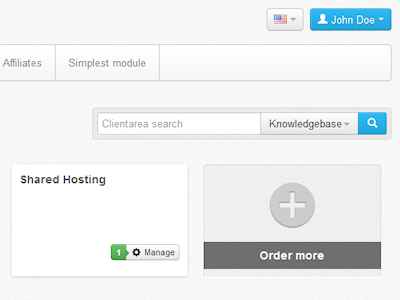

HostBill is well known of its outstanding pace of development and rapid new releases. We’ve decided to make process of upgrade easier to HostBill users, that’s why with release of HostBill 3.9 (2012-09-07) we’re introducing HostBill AutoUpgrade & AutoPatch
This Plugin (enabled by default) periodically checks for new HostBill versions & patches – if a new version is available, administrators will see following notification:

https://vimeo.com/85334797
It’s been a week – so time for another update from HostBill team!
Lets take a glimpse of today-released, all new, HostBill 3.1.4:
Our already great integration with OnApp Cloud just got better! Your clients will now have access to the new backup-related features, including:
Backup->Template conversion
If you offer cloud/vps backup space, you can now add them the ability to convert their backups into re-usable OS Templates from HostBill interface with just few mouse clicks – simple as that!